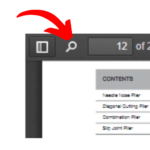
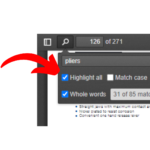
1.1 For Searching any product from Product Catalogue (PDF) Click on that Search Icon Than Type the name of product you want
1.2 Now select that both of the option (Highlight all & Whole Words)
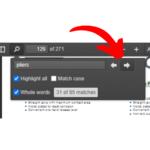
1.3 Now click on that arrows to redirecting specific pages on pdf where your product is located.
2. For Redirecting to specific Pages on PDF with the help of Index Follow This :
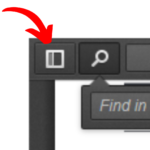
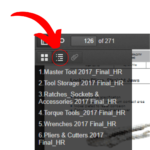
2.1 For Accessing the Index of Product Catalogue (PDF) click on that Icon.
2.2 After that clicking on that icon a side bar open. Now click on that index icon (in red circle) a index of PDF is open (if Index is present on pdf).